


Download YouTube – Video Streaming, Content Creation, Multimedia Platform
Overview
YouTube is a multimedia and streaming application designed for viewing and uploading video content. Since its launch in 2005, it has grown into one of the most widely used platforms for digital video consumption and creation. The platform enables users to access a vast library of videos across countless topics, including entertainment, education, music, and more.
It serves both casual viewers and content creators, offering tools to share, discover, and engage with video content globally. The application is optimized for mobile and desktop environments, with a dedicated Android version available for devices running Android 7.0 or later. Its core purpose lies in delivering a seamless video experience, combining intuitive navigation with powerful recommendation algorithms.
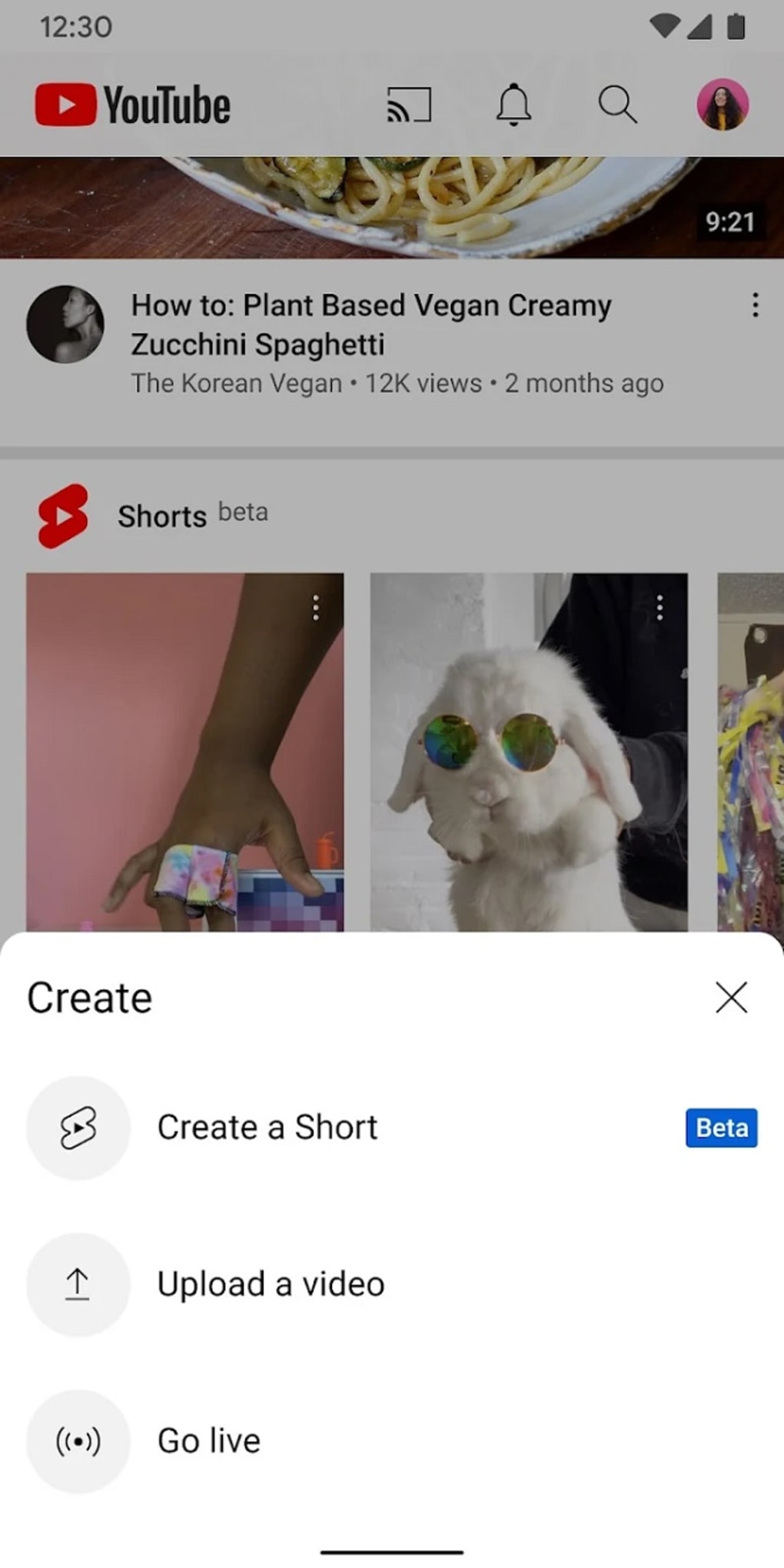
Users can watch, like, comment, share, and save videos to personalized playlists. For creators, YouTube provides a space to build audiences, monetize content, and interact directly with fans. The platform supports diverse real-world use cases, from learning new skills and following live events to discovering emerging artists and participating in online communities.
The developer did not provide additional system requirements beyond the OS and version. Platform compatibility information is limited to Android 7.0 and above.
Key Features & Capabilities
- Video Viewing & Playback – Watch high-quality videos with smooth streaming, auto-rotation for landscape and portrait modes, and continuous playback even when switching apps.
- Personalized Recommendations – The app generates content suggestions based on viewing history and current video context, enhancing discovery.
- Interactive Controls – Includes essential playback functions such as pause, skip forward/backward, and progress bar navigation.
- Picture-in-Picture Mode – Enables video playback in a floating window while using other applications (available with YouTube Premium).
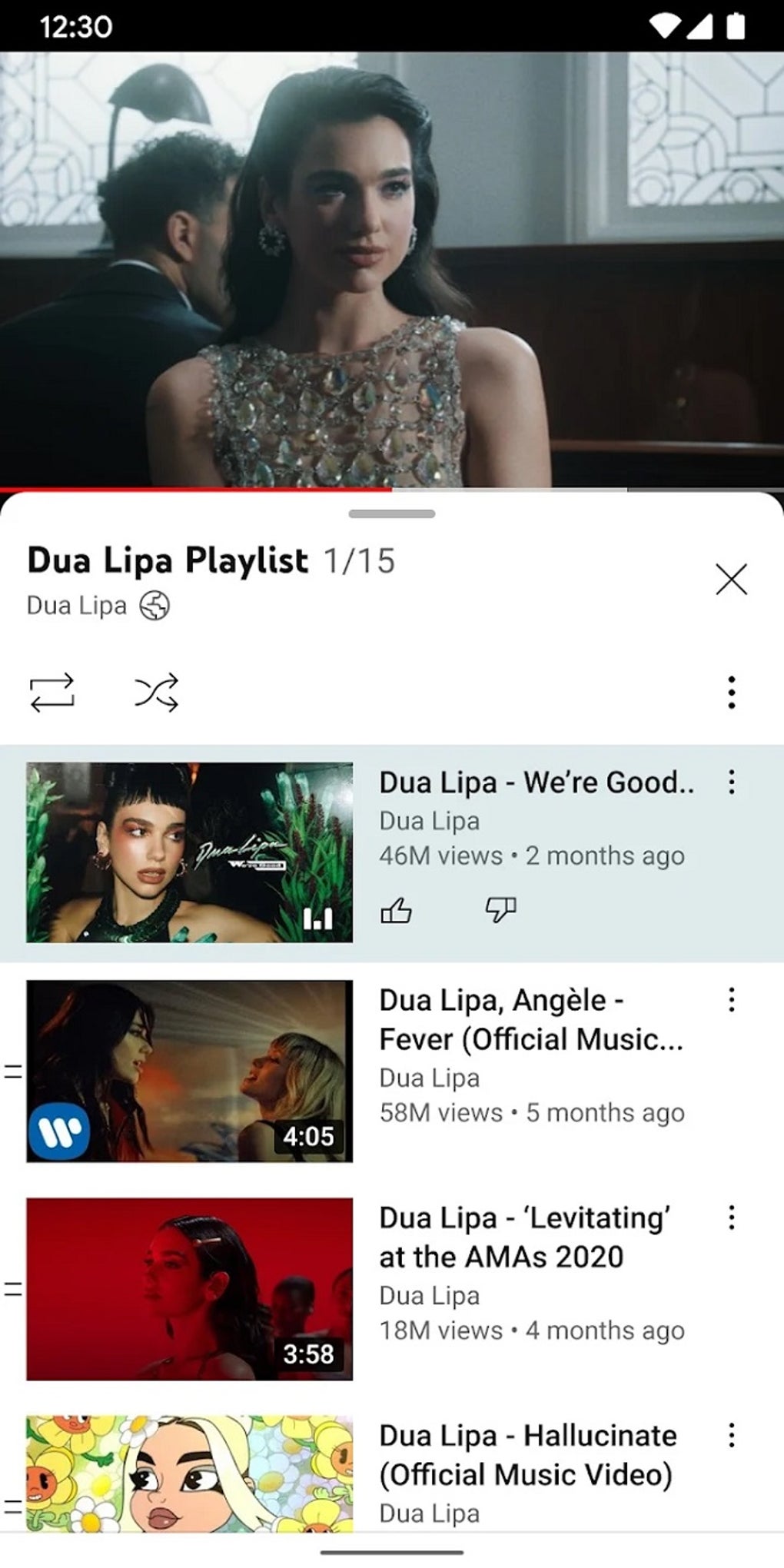
- Watch Later Playlist – Save videos for future viewing and access them through a centralized library.
- Search & History Management – Users can clear or pause search history to maintain privacy.
- Offline Downloads – Download videos for offline viewing (requires YouTube Premium).
- Background Playback – Continue watching videos while using other apps (available with YouTube Premium).
- Channel Joining & Communities – Join channels to access exclusive content, participate in polls, and engage with creators and other users.
- Video Quality Adjustment – Manually select video resolution to match bandwidth and device capabilities.
These features support a wide range of user needs, from casual entertainment to professional content curation. The app’s design prioritizes ease of use and efficiency, allowing users to quickly find and consume content. For creators, the platform facilitates audience growth and monetization through various tools. Performance observations are based on general software behavior patterns. The developer did not specify resource usage details.
User Interface, Workflow & Performance
The user interface of YouTube is structured around a clean, intuitive layout with easy access to main functions. Navigation is primarily through a bottom bar on mobile devices, featuring tabs for Home, Explore, Subscriptions, and Library. The app supports touch gestures such as swiping up to view related videos, double-tapping to skip, and pinching to zoom.
Workflow efficiency is enhanced by features like persistent playback and seamless transitions between screens. Users can scroll through comments and related content while a video continues playing, supporting multitasking within the app. The app’s responsiveness is generally fast, with quick video loading and minimal lag under normal conditions.
However, occasional buffering has been reported, especially on slower internet connections. The developer did not specify resource usage details. Stability appears consistent across updates, though performance may vary depending on device hardware and network speed.
CPU and RAM behavior are not publicly documented. General software behavior patterns suggest efficient memory management during typical use.
Compatibility & System Requirements
YouTube is compatible with Android devices running version 7.0 or later. The installation size is not specified in the provided information. The developer did not provide exact system requirements.
Compatibility information was partially provided, with no details on minimum processor speed, RAM, or storage needs. No additional OS versions beyond Android 7.0 are listed. Users should ensure their device meets the minimum OS threshold for installation.
The app is available for download through official app stores. Platform compatibility information is limited.
Pros and Cons
Pros
- Extensive library of video content across all genres
- Intuitive and user-friendly interface
- Personalized content recommendations
- Supports offline viewing with YouTube Premium
- Enables content creation and audience engagement
- Seamless integration with Google accounts and services
- Available on a wide range of Android devices
Cons
- Ad-supported model may interrupt viewing experience
- Offline features require a paid subscription
- Some advanced features are restricted to Premium users
- Limited notification support for subscribed channels
- Cannot return to the previous video in the mobile app
- Buffering issues reported on slower connections
FAQ Section
Is YouTube available for Windows and Mac?
YouTube is accessible on Windows and Mac through web browsers and dedicated desktop applications. The provided information does not specify the exact version or installation size for these platforms.
Is the YouTube app safe to download?
Yes, the YouTube app is secure when downloaded from official sources such as the Google Play Store or the official YouTube website. Always verify the source to avoid unauthorized versions.
How often does YouTube release updates?
YouTube regularly releases updates to improve performance, fix bugs, and introduce new features. The frequency of updates is not specified in the provided data.
What type of license does YouTube use?
YouTube operates under a free-to-use model with optional paid subscription services. The licensing details for the app itself are not provided in the input.
Can I use YouTube without an internet connection?
Basic video viewing requires an internet connection. However, offline playback is available for downloaded videos, but this feature is limited to users with a YouTube Premium subscription.
Final Thoughts
YouTube remains the leading platform for video streaming and content creation, offering a powerful combination of accessibility, functionality, and reach. Its intuitive interface, robust recommendation engine, and support for both viewers and creators make it a top choice for users across all demographics. While the free version includes ads and lacks advanced features like offline access and background playback, the benefits of the platform are substantial.
For those who prioritize uninterrupted viewing, offline capabilities, and exclusive content, YouTube Premium presents a compelling upgrade. The app delivers a reliable and scalable experience on Android devices, with minimal friction in daily use. Whether you're watching tutorials, enjoying entertainment, or building a channel, YouTube provides the tools and community to succeed.
Download YouTube now and unlock a world of endless entertainment and creativity.





.png)

